

 Platform Overview

 Integration Hub

 Agent One™

 Agent One Teams™

 Customer Data Management

 Personalization

 Journey Orchestration

 Reporting & Data

 Behavioral Analytics

 Web
Web

 Email
Email

 Site Search

 Conversational CX

 WhatsApp

 Web Push

 InStory

 App
App

 SMS & RCS

 Join the $0 Migration Movement™

 The Insider One Difference

 Compare Vendors

 Switch to Insider One

 Success Story

 Retail & Ecommerce

 Financial Services

 Travel & Hospitality

 Beauty & Cosmetics

 Automotive

 Telecommunications

 Total Economic Impact™ Study

 Blog
Blog

 E-Books & Guides

 Events

 Glossary
Why Your Product Catalogue is The Missing Link in AI Email Personalization

Updated on 12 Aug 2026
8 min.
Table of Contents
- Summary
- Why your AI recommendations are only as smart as your catalog feed
- The data fields that make or break personalized product blocks
- Real-time sync vs. batch feeds: choosing the right update cadence
- Where popular email platforms fall short on catalog-driven personalization
- Building a catalog integration that scales with your AI recommendation engine
- Conclusion
- Frequently Asked Questions
Most Popular

Summary
- Treat your product feed as a live pipeline to avoid AI-driven recommendations quietly going stale
- Missing price, stock, or category fields will force AI product recommendation engine fall back to generic bestsellers
- Parent-child variant modeling keeps recommendations pointing at the exact size or color a shopper viewed, not a mismatched SKU
- Real-time inventory email personalization needs event-driven updates for fast-moving catalogs, not daily batch syncs
- A recurring feed-QA routine, completeness audits, exclusion rules, and sync monitoring protects revenue as your catalog scales
Your email program finally runs on AI to generate dynamic product blocks, personalized subject lines, and predictive send-time logic.
But you might still face the issue where a customer opens a campaign and sees a sweater that sold out three days ago, priced at last month’s rate. The root cause is usually not the AI engine but the catalog feed behind.
Product catalog integration for email personalization requires connecting your product data, price, stock level, images, category tags, variant identifiers, to your email platform so AI recommendation logic has accurate, current signals to work from.
Without that connection, even sophisticated models produce recommendations that look smart and perform poorly.
This is written for lifecycle marketers, marketing operations leads, and martech or development teams rolling out AI-personalized email at mid-market or enterprise ecommerce brands.
You’ll learn which catalog fields actually drive recommendation quality, how to choose a sync cadence that matches your SKU turnover, and where a recurring data-health routine protects the revenue your AI investment is supposed to generate.
Why your AI recommendations are only as smart as your catalog feed
An AI recommendation model can only rank what it can see clearly. If price, stock status, or category data is missing, incomplete, or outdated, the model has no reliable signal to work with, and it either guesses or defaults to something generic.
The damage rarely announces itself. Open rates hold steady because your subject lines still work. Click rates dip slightly because a shopper spots an out-of-stock item in a “just for you” block and loses trust.
Conversion rates fall further because the product they clicked through to buy is unavailable or priced differently than shown. Each stage of decay looks minor in isolation, which is exactly why it goes unnoticed until quarterly revenue numbers reveal the pattern.
Brands that get this right treat the catalog feed as infrastructure worth monitoring, not a setup task to check off once.
Carrefour increased conversion rate by 350% by pairing accurate, current product data with Insider One’s AI personalization capabilities, a result that depends on the underlying feed staying clean as much as the recommendation logic itself.
The data fields that make or break personalized product blocks
There are 5 core attributes that determine whether a dynamic product block earns a click or erodes trust: price, live stock level, image URL, category, and a unique variant identifier.
Each one feeds a different part of the recommendation logic, and a gap in any single field can quietly disqualify a product from being shown correctly, or worse, show it wrong.
- Price: Must reflect current promotions and markdowns; stale pricing creates a mismatch between the email and the site that damages trust immediately
- Live stock level: Feeds real-time inventory email personalization directly; showing a sold-out item is one of the fastest ways to lose a click
- Image URL: Needs to resolve reliably at send time, since broken or generic placeholder images flatten perceived relevance
- Category and tags: Give the AI product recommendation engine the context it needs to group similar items and avoid irrelevant substitutions
- Unique variant identifier: Distinguishes size, color, and configuration so recommendations link to the exact item a shopper engaged with
Structuring parent-child variants correctly
A shopper who viewed a blue medium jacket wants to see that blue medium jacket again, not a generic product page where they have to reselect size and color.
Structuring your feed with a clear parent-child relationship, one parent product mapped to multiple child SKUs, will enable the recommendation logic to reference the exact variant a customer interacted with rather than a catalog-level placeholder.
While missing this part will likely lead to duplicate SKUs to fake variant behavior, which bloats your catalog and confuses attribution reporting.
Get it right and every dynamic product block in email, from browse abandonment to post-purchase cross-sell, points to the specific item a shopper actually cares about, which is the difference between a recommendation that converts and one that gets ignored.
Real-time sync vs. batch feeds: choosing the right update cadence
The right sync cadence depends on how fast your catalog changes. A daily batch sync works fine for a catalog with stable pricing and slow-moving inventory.
It becomes a liability the moment flash sales, fast fashion drops, or high-velocity inventory turnover enter the picture, because the gap between what’s true on your site and what’s shown in email starts to matter.
Batch syncs carry two specific risks: stale pricing that contradicts what a shopper sees when they click through, and sold-out items still appearing in “recommended for you” blocks hours or days after they disappeared from the shelf.
Neither failure is visible in your email platform’s own reporting, since opens and sends look normal. The damage shows up downstream, in conversion rate and in customer trust.
Event-driven or webhook-based updates solve this by pushing changes the moment they happen, so a price drop or an out-of-stock flag propagates to your email personalization layer in near real time rather than waiting for the next scheduled sync.
Build your cadence around three factors:
- Catalog size: Larger catalogs need incremental, event-based updates rather than full re-syncs, which get slower and more error-prone as SKU count grows
- SKU turnover: High-turnover categories, like limited drops or perishable inventory, need real-time inventory email personalization; stable categories can tolerate longer intervals
- Campaign send volume: High-frequency send programs compound the cost of stale data, since more emails go out before the next sync corrects an error
Where popular email platforms fall short on catalog-driven personalization
Catalog-driven personalization breaks down most often at the integration layer, before an AI model ever gets involved.
Some platforms handle large catalogs through manual, support-ticket-gated processes that slow down every catalog change, and many lack native parent-child variant modeling, which forces teams onto workarounds like SKU duplication just to make size and color show up correctly in recommendations.
A second, quieter failure mode shows up in how platforms handle incomplete data. When category or tag fields are missing or inconsistent, some product-block logic falls back to generic bestseller lists rather than flagging the gap.
That fallback looks like personalization in a screenshot, but it’s the opposite: a sign that feed hygiene has already broken down, hidden behind an interface that never shows you the failure.
Neither problem is really about the AI model. Both trace back to how the catalog integration is architected, whether it treats variant relationships as first-class data, and whether it surfaces feed gaps instead of masking them.
Building a catalog integration that scales with your AI recommendation engine
A profile-first architecture solves the root issue by unifying catalog, behavioral, and customer relationship management (CRM) data in one system instead of running separate syncs that drift out of alignment. When product data, browsing behavior, and purchase history live in the same layer, the AI recommendation engine works from one consistent source instead of reconciling mismatched feeds from three different tools.
This is the structural difference behind Insider One’s customer data management approach: catalog data connects directly to the same profile layer that powers behavioral triggers and one-to-one personalization, so a price change or stock update reaches every channel at once rather than propagating on separate schedules.
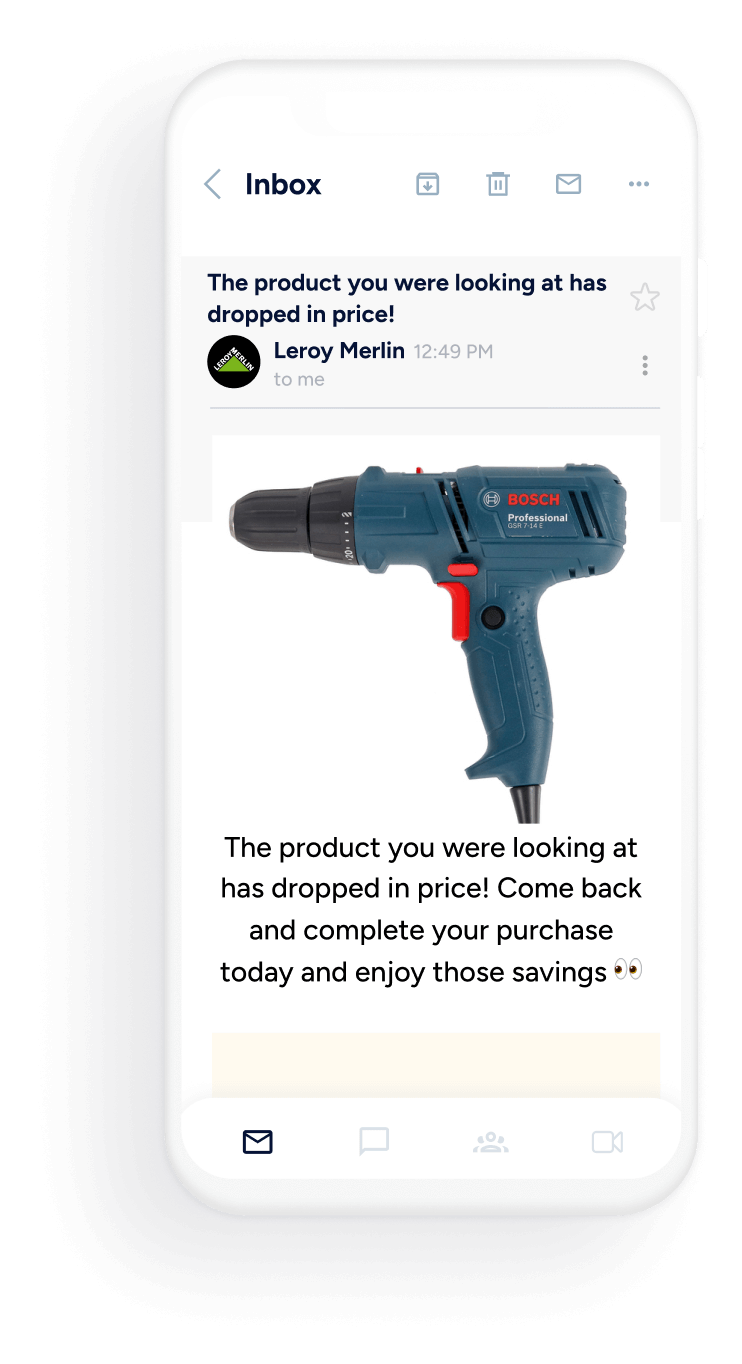
Leroy Merlin used this kind of unified approach to increase ecommerce revenue by 8.8%, driven partly by keeping product data consistent across the journeys triggering each send.
A recurring feed-QA routine that protects revenue
Set up quarterly, or monthly for fast-moving catalogs, completeness audits that check for missing price, stock, image, and category fields before they reach a live campaign.
Pair that with exclusion rules that automatically suppress out-of-stock or discontinued items from recommendation logic, and sync monitoring that alerts your team the moment an update fails silently rather than days later.
- Completeness audits: Scheduled checks that catch missing or malformed fields before they reach a live send
- Exclusion rules: Automatic suppression of out-of-stock, discontinued, or restricted items from recommendation pools
- Sync monitoring: Alerts that flag failed or delayed updates immediately, not after a campaign has already gone out
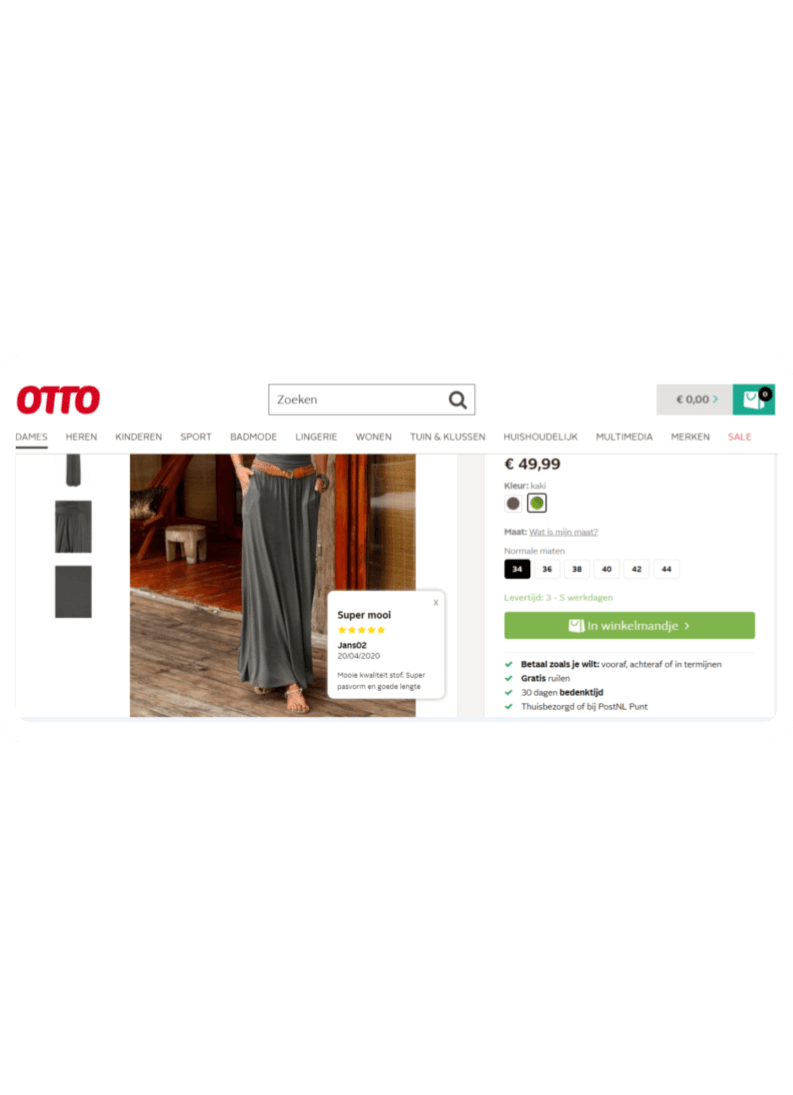
OTTO boosted average order value by 5% with onsite personalization built on this kind of ongoing data discipline, a reminder that catalog health work compounds over time rather than delivering value once and fading.
Conclusion
Your AI email program is only as good as the catalog data behind it. Price, stock, category, and variant fields aren’t setup details you configure once and forget; they’re a live pipeline that needs monitoring as your catalog grows and turns over.
Brands that build recurring feed-QA into their operations keep recommendations accurate long after launch, while brands that treat the sync as done see quiet revenue leakage that never shows up in the obvious metrics.
To evaluate the fit of customer data management and AI personalization for your use case, request a demo to review your goals, data requirements, and implementation constraints with the Insider One team.
Frequently Asked Questions
It’s the connection between your product data, price, stock, images, category, and variant IDs, and your email platform, so AI-driven recommendation logic has accurate, current signals. Without this connection, even advanced models can only work from stale or incomplete data, which shows up as irrelevant or incorrect product recommendations in email.
It depends on catalog size and SKU turnover. Stable, low-turnover catalogs can tolerate periodic batch syncs, but fast-moving inventory, flash sales, or high send-volume programs need event-driven or webhook-based updates so price and stock changes reach email personalization in near real time.
This usually traces back to sync delays or incomplete feed data rather than a flaw in the recommendation model. Batch syncs that run once daily can leave a 24-hour gap between what’s live on your site and what shows in an email, during which stock and pricing can change.
Price, live stock level, image URL, category and tags, and a unique variant identifier are the non-negotiable fields. Each feeds a different part of the recommendation logic, and gaps in any of them can cause the AI product recommendation engine to fall back to generic, less relevant suggestions.
Structuring your feed with parent products mapped to child SKUs lets recommendations reference the exact size, color, or configuration a shopper viewed, instead of a generic product page. This keeps the email experience consistent with what the customer actually engaged with, which supports higher click-through and conversion rates.

Keep Reading
7 min.

Muharrem Derinkok
4 Jun 2026
11 min.

Chris Baldwin
2 Jun 2026
4 min.
Chris Baldwin
3 Feb 2026